_--- title: EndPoint Monitor - Documentation - Notifications
Generic Webhook Notifications
Generic Webhook notifications provide a means to send notifications of failed or in warning checks to any services that are reachable by an EndPoint Monitor controller and can accept HTTP calls. The webhooks themselves can be highly customized allowing for integration into many existing services or can be used to push notifications into 'white label' services like AWS Event Bridge or other message busses.
Setup
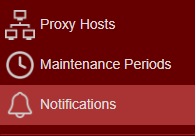
- Navigate to your EndPoint Monitor installation and login to Web Console and select Notifications from the main menu.
- Click
Add located towards the top left of the web console. - The Create Notification window should now show.
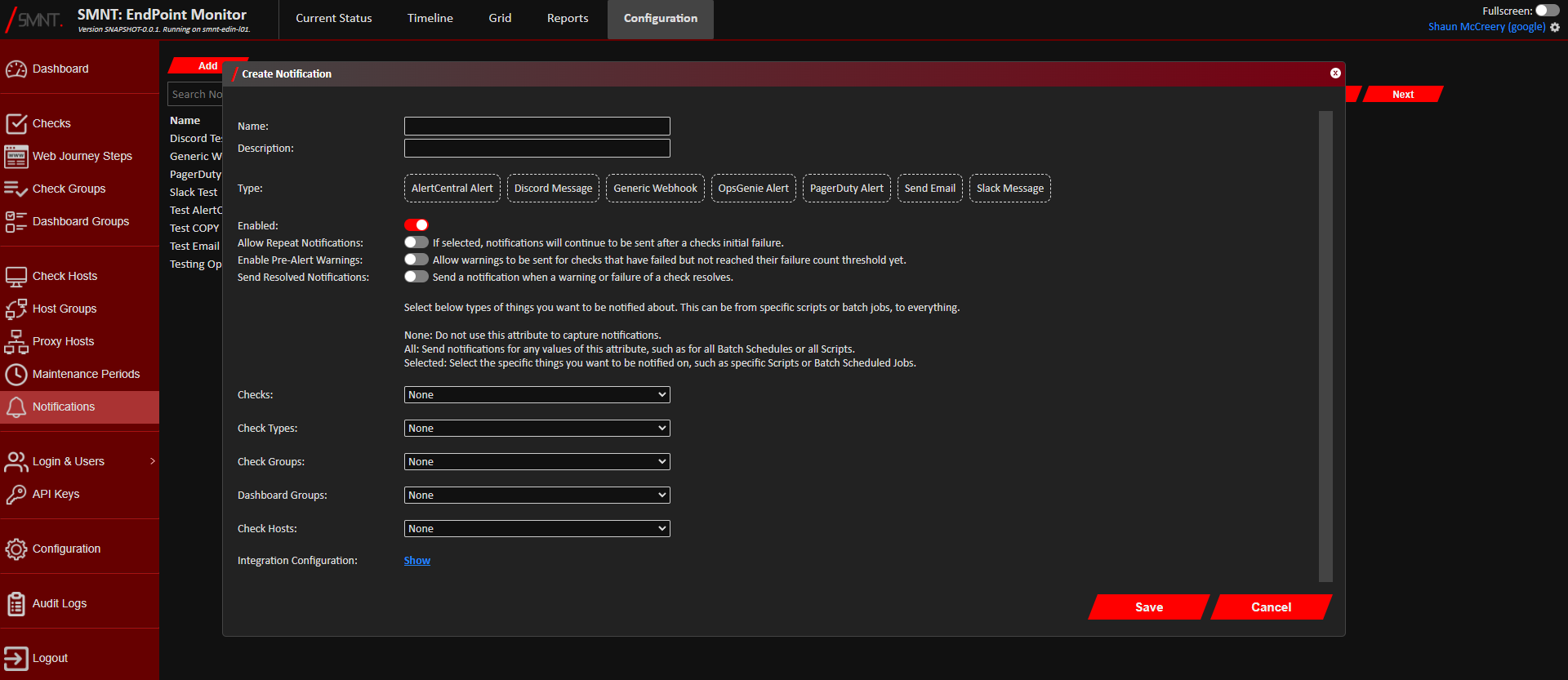
Provide a name and description, and select Generic Webhook as the type. - Using the Checks, Check Types, Check Groups, App Groups and Check Hosts configuration options, select what checks, if
not all, that you want to trigger the webhook.
See Configuration Definitions these configuration options.
- Click
Show next to Integration Configuration.
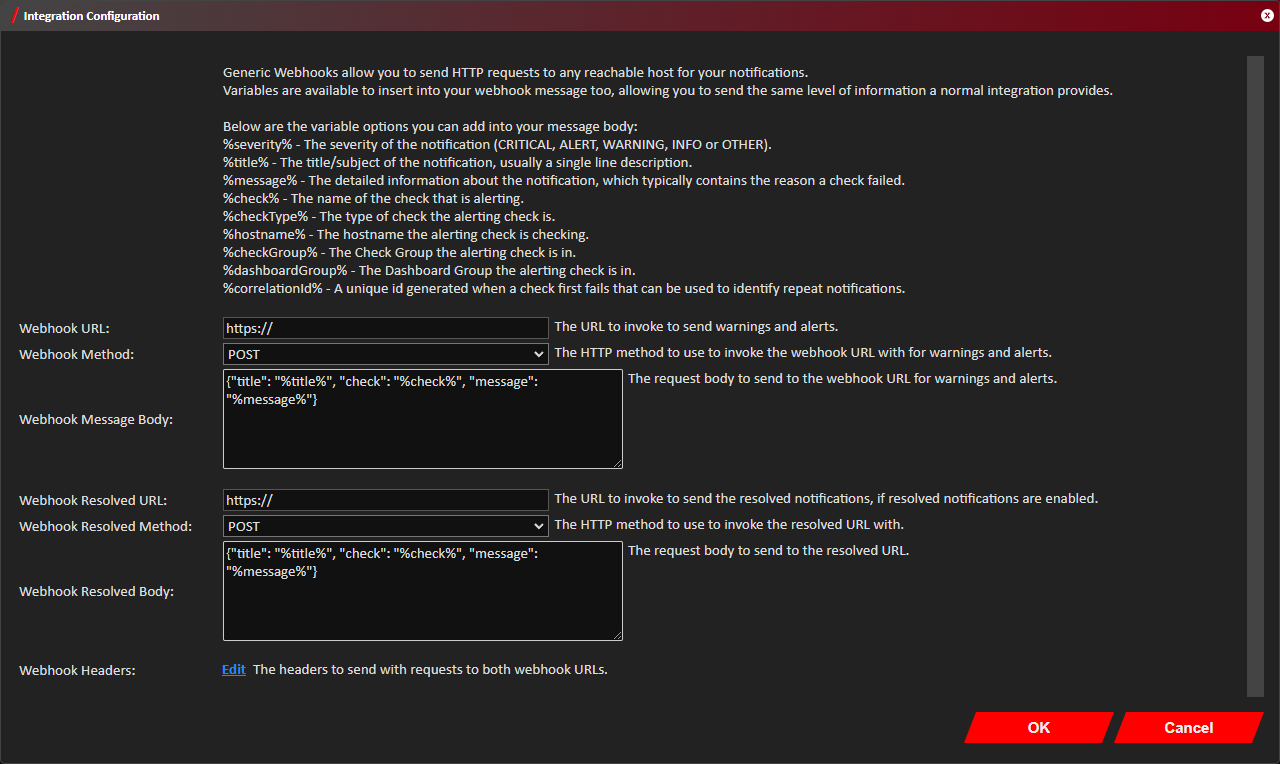
- Provide the webhook endpoints to call for both warnings and alerts, and for resolved notifications if needed. These
can be the same value if the same endpoint is used. Also provide the HTTP method to use for these calls.
- Customise the webhook message bodies as required. An example json payload is provided by default as an example when
creating a new notification.
Various variables are available to use in the message bodies, all of which are listed at the top of the Integration Configuration window. These always start and end with a%symbol. - Click
Edit next to Webhook Headers if specific request headers need to be added to the webhook request such as authentication headers. - Click
OK on the Integration Configuration window. - Click
Save . - You should now see confirmation that the Notification was successfully created in the bottom right notification area
in the web console.
The newly created Generic Webhook notification will immediately be active any future triggered warnings and alerts that match your selection should trigger webhooks to be sent to your provided target.
_